Header filter
1. Overview
The header filter can filter a message using a header property . The filter returns a boolean value. Based on this value and the inverse value, the message is either passed through or sent to the discard flow .
This filter can be used as a simple router service.
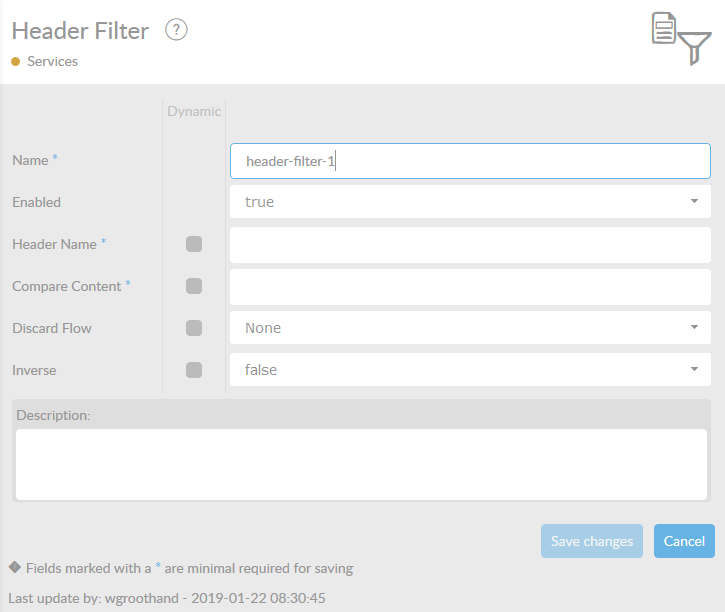
In the table below, you will find an explanation of these properties.
All attributes with a * are mandatory.
| Attribute | Description |
|---|---|
Name* |
By default, we fill this out with the technical tag, followed by a serial number. Changing the name is optional. |
Enabled |
Set this value to true, if you want this service to be enabled. |
Header Name* |
The header used in the filter. |
Compare content* |
The content by which the header is compared to. To check on an empty value, use '' as a value in this field |
Discard Flow |
Reference to a flow for messages, for which the strategy filter returns false. |
Inverse |
Switch to invert strategy result. |
Description |
Description of the specific service. This is for documentation purposes. |