XSD Validator
1. Overview
The XSD Validator validates an incoming message based on an XSD schema.
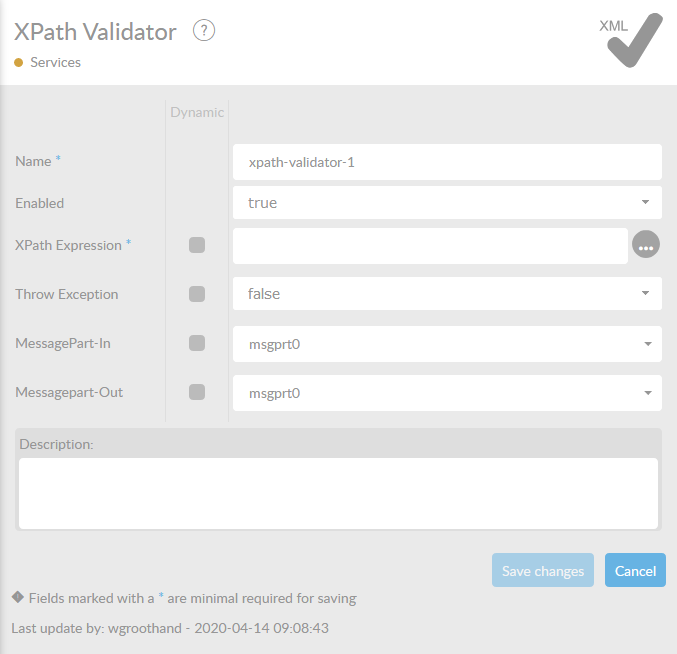
In the table below, you will find an explaniation of these properties.
All attributes with a '*' are mandatory.
| Attribute | Description |
|---|---|
Name* |
By default, we fill this out with the technical tag, followed by a serial number. Changing the name is optional. |
Enabled |
Set this value to true, if you want this service to be enabled atstartup. |
XSD Schema* |
The XSD Schema that is used to validate the incoming messagepart. You drag and drop a file from the Resources of your interface. |
Throw Exception |
When this property is set to true and the validation fails, the message will be sent to the error flow. When this property is false and the validation fails, the message will be let through to the next step in the Flow. By default this is set to false. |
MessagePart-In |
The name of the MessagePart , which will be used as input. The default value is msgprt0. Only use this when you are in fact using different names and/or MessageParts. |
MessagePart-Out |
The name of the MessagePart , which will be used as output for the service method. The default value is msgprt0. |