Login
1. Login to the system
When you go to the login screen for the first time, you will be presented with the following screen:
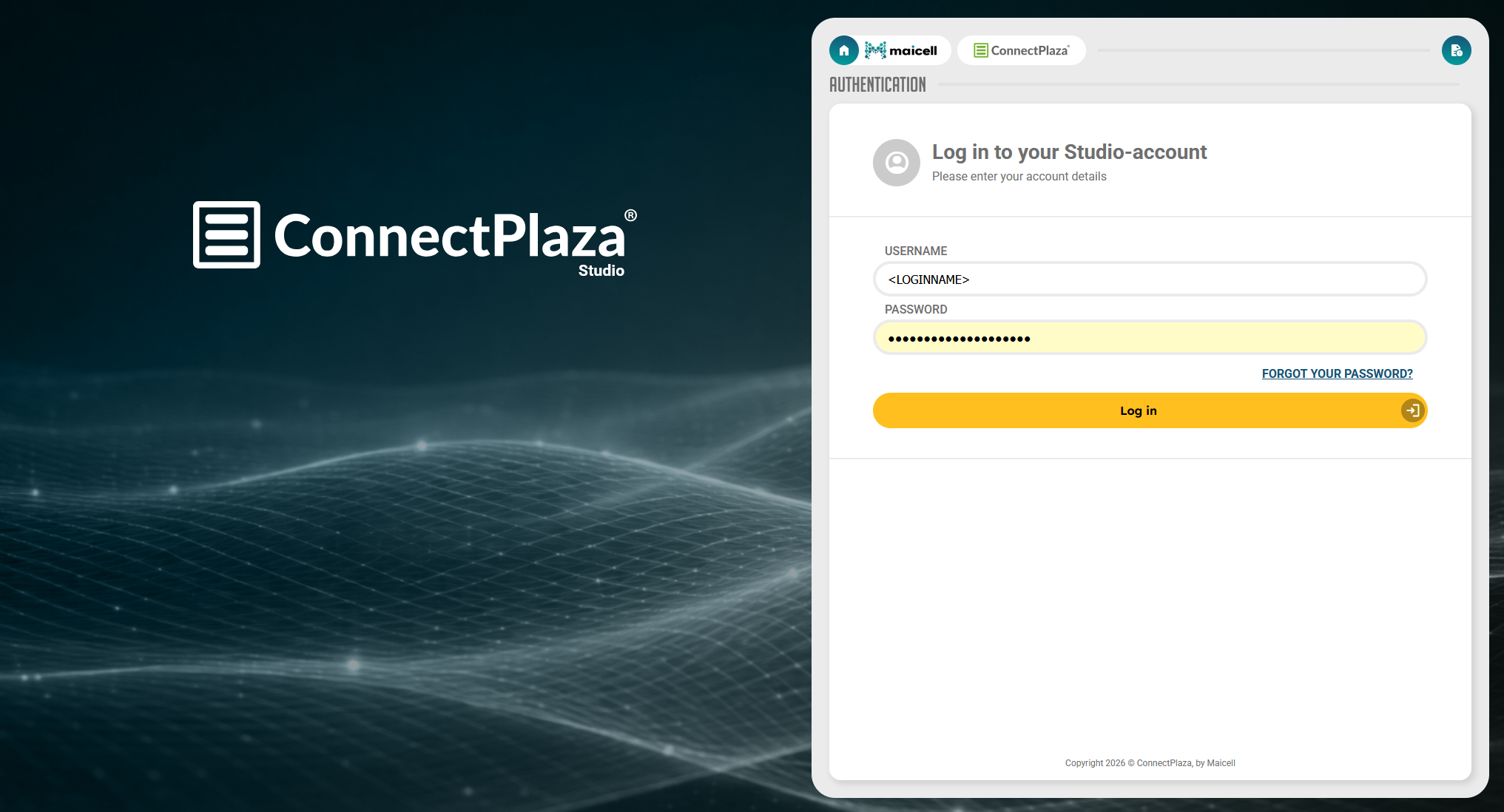
Use your username and password to log in, into the system.
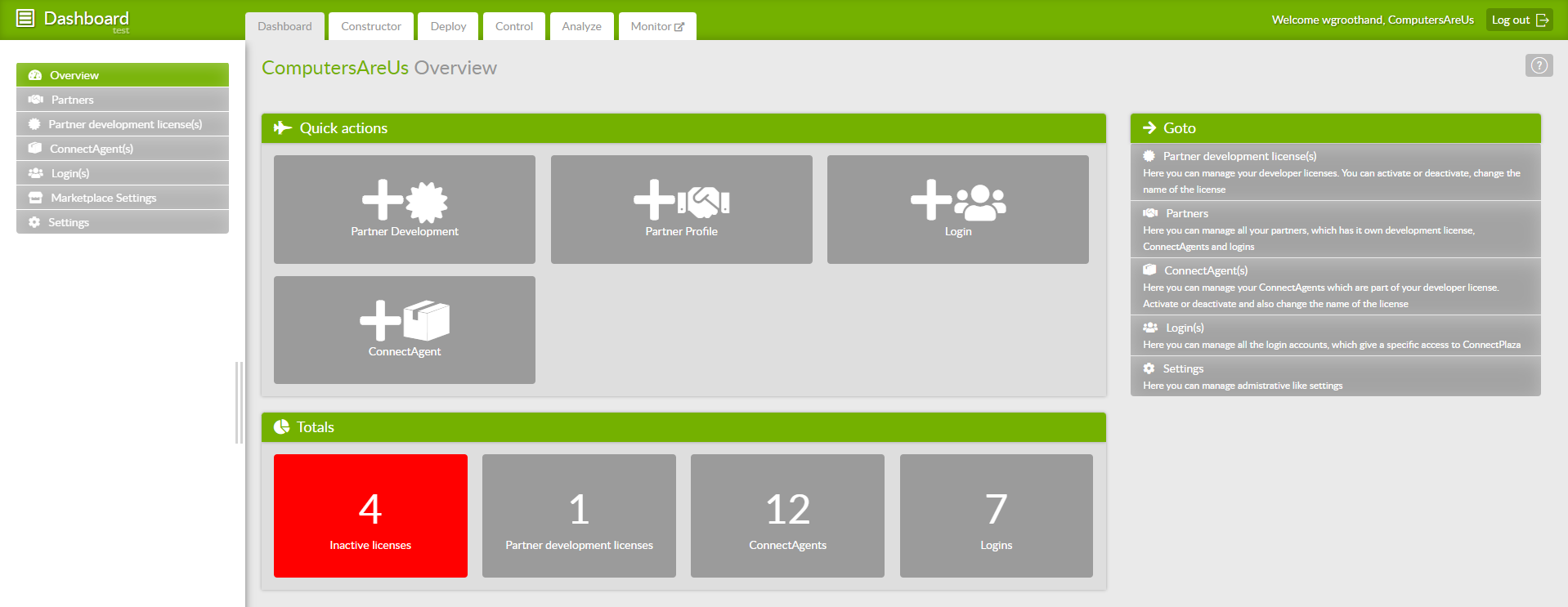
When your successfully logged into the system, you will be presented, if you are the administrator of your company, with the ConnectPlaza® Dashboard.
2. Forgot your password?
If you have forgotten your passowrd or you just want to generate a new password, you can request a new one from the system. Just press the Forgot you password link.
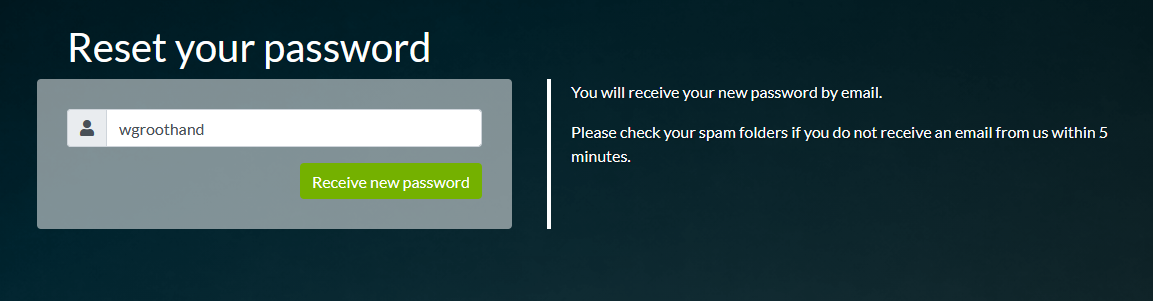
Type in your account name and press the button  . Check your email now. The system will send you a standard email to the email address connected to the given account name.

The email will look something like this (this email is from our test system, normaly you will see www.connectplaza.com):
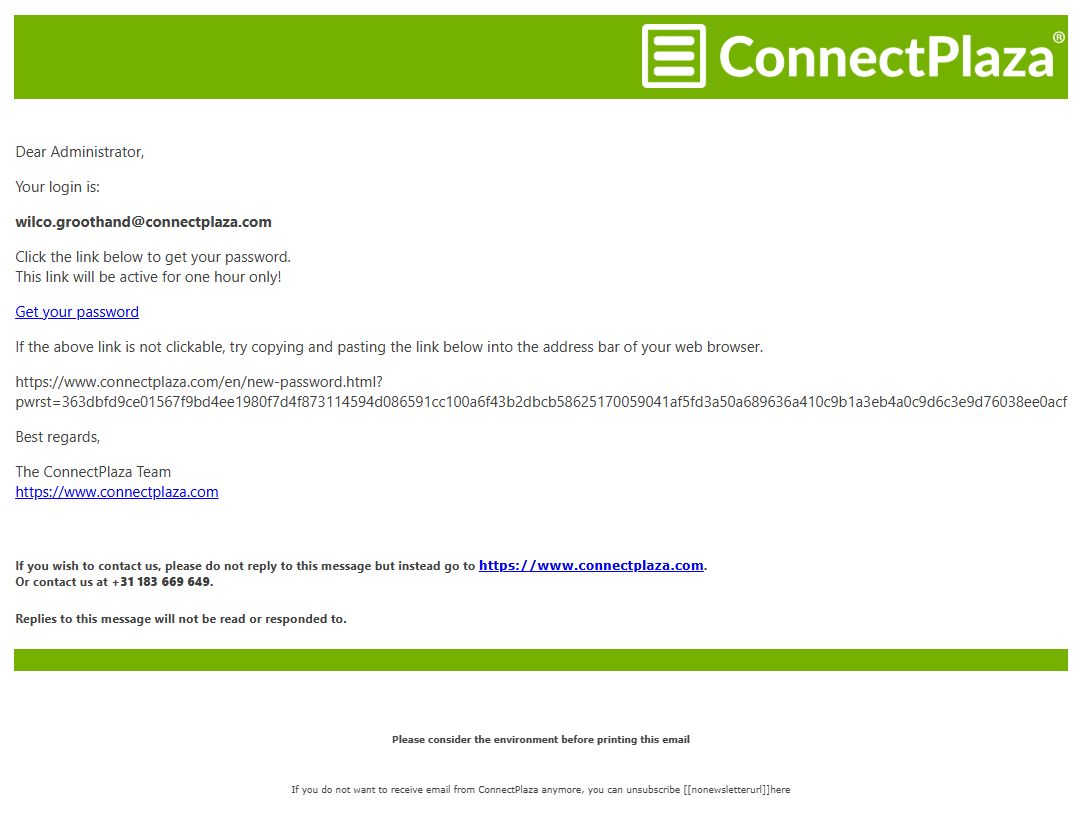
Now press the link Get your password or the complete link to get your password. This is now your current password. If you do not get this new password within the 24 hours after generating it, you have to get/generate a new password again. The 'old' password is not valid anymore.
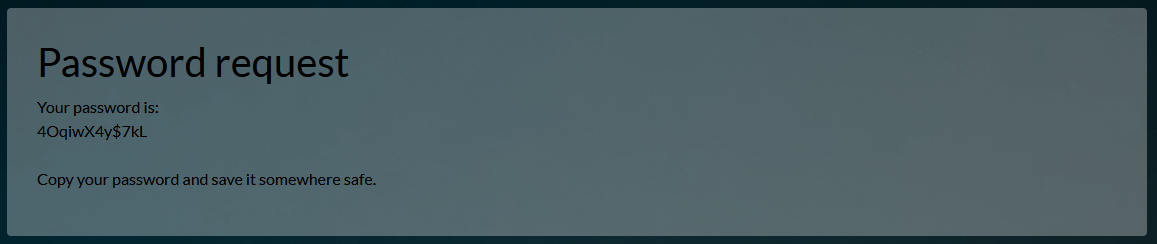
Selecting the link within your email, will take you to the page with your new password. As these passwords are generated by our system, it is advised to use a Password Safe to save your password in. Keepass is for instance a good way to remember / save your passwords, but any other will do nicely.
Now you can login with your new password.