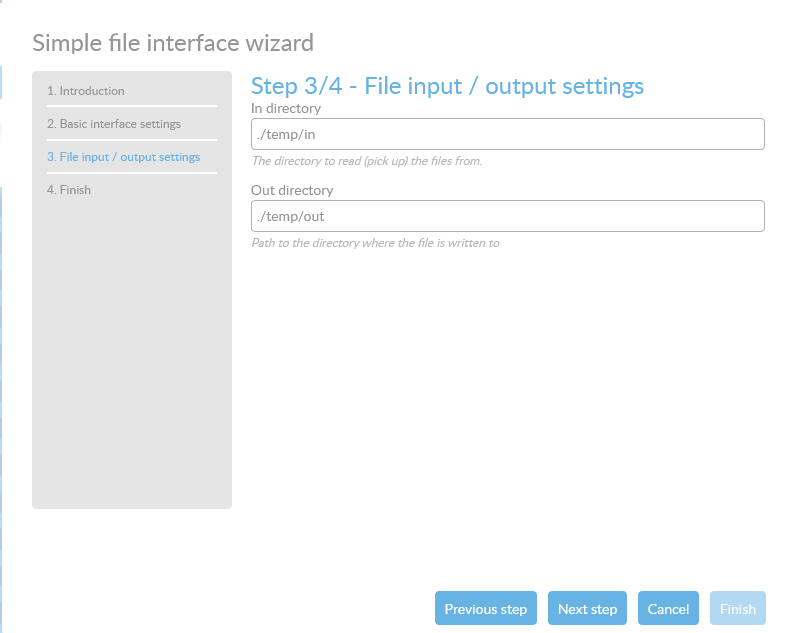
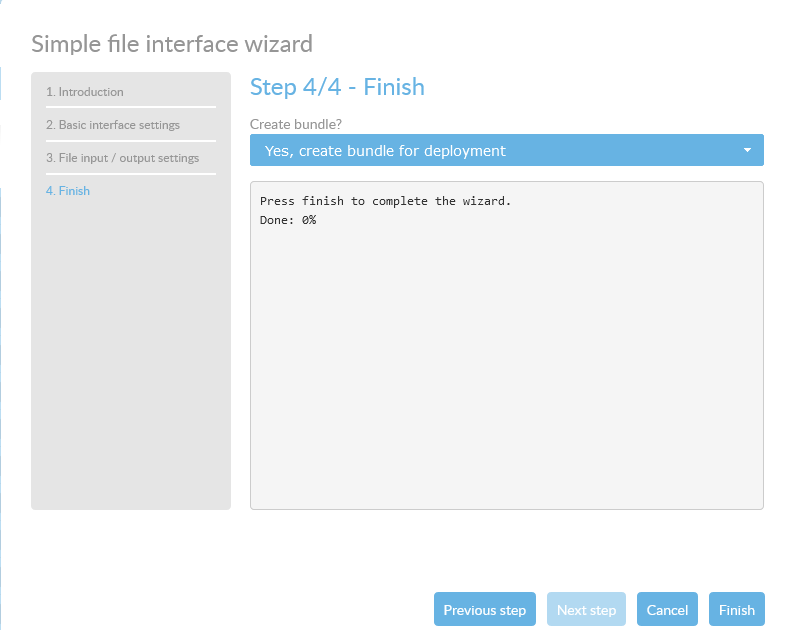
General
1. Description of the wizard
This wizard is ment to be an example on how wizards work.This wizard creates a simple File in → File out interface. The file in the input directory will be moved to the output directory.
2. The wizards steps
2.1. Introduction
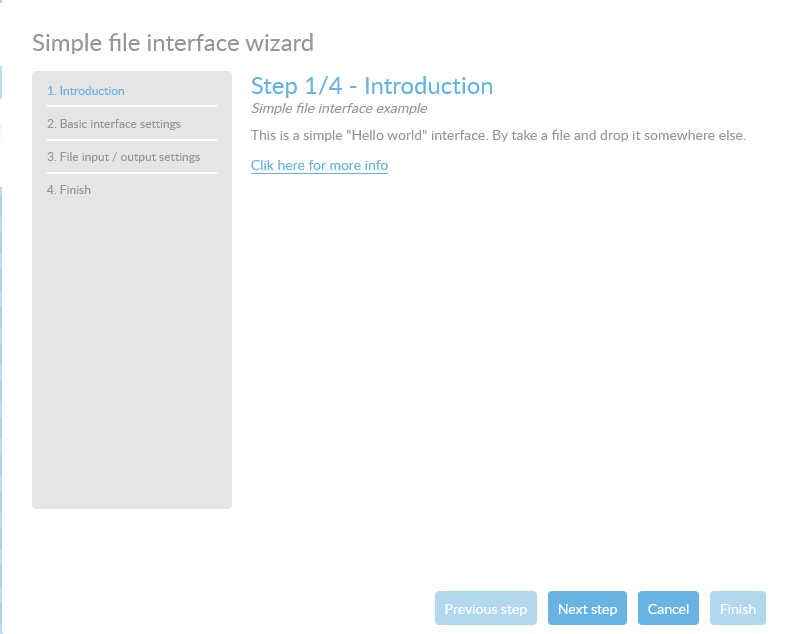
The first step is the introdcutions of this wizard. This will tell you what the wizard is all about.
2.2. Basic interface settings
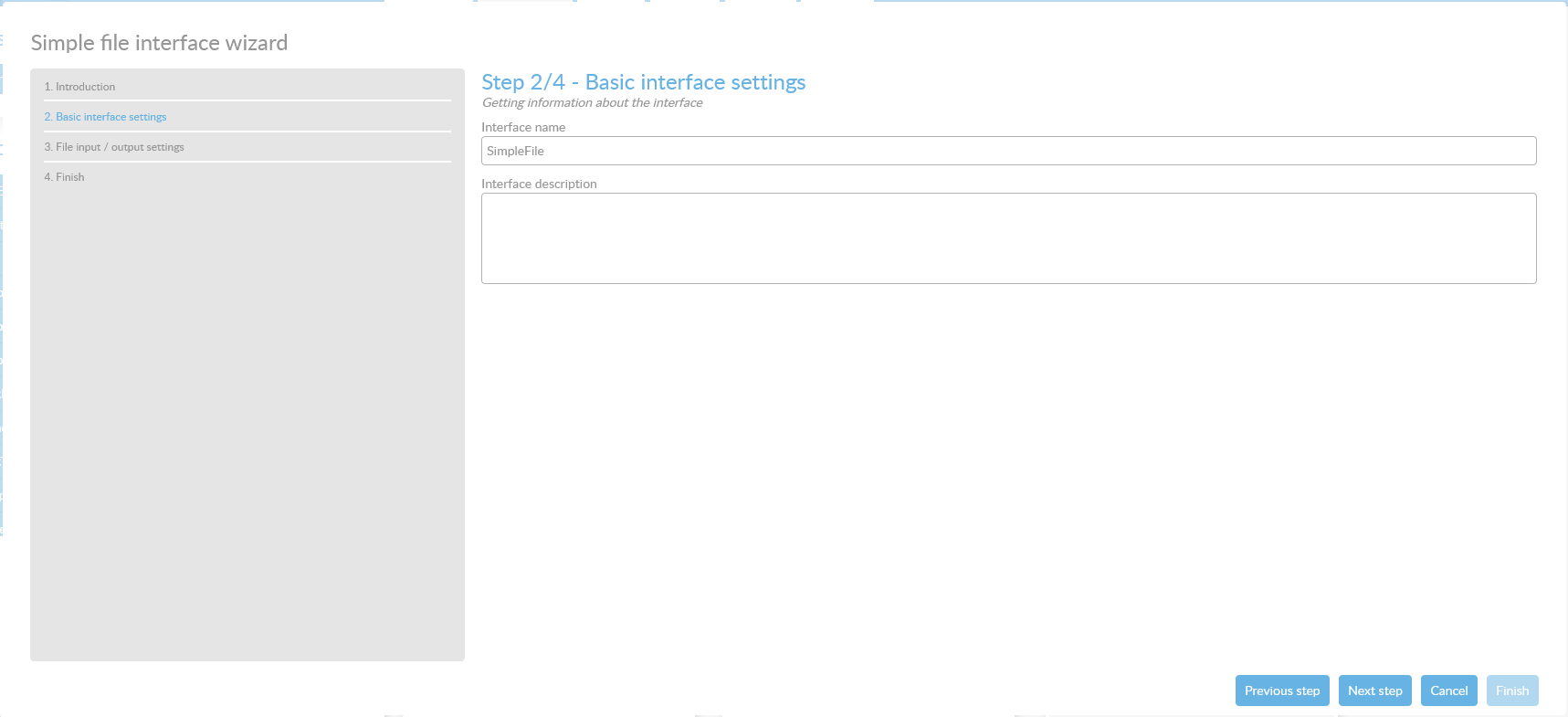
In this step you can add the following information:
| Field name | Description |
|---|---|
Interface name |
This is the name of the interface. If this name already exists, a timestamp will be added to this name when saving the interface |
Interface description |
Your own description of the interface |