Account user guide for the manager
1. Introduction
Account is the part of ConnectPlaza® Studio that takes over from the Dashboard. Every user can open it to look after their own login, as described in Account. Everything described there holds for a Manager too. These pages are about what a Manager can do on top of that.
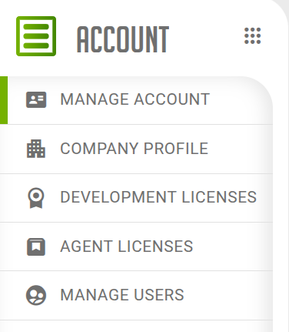
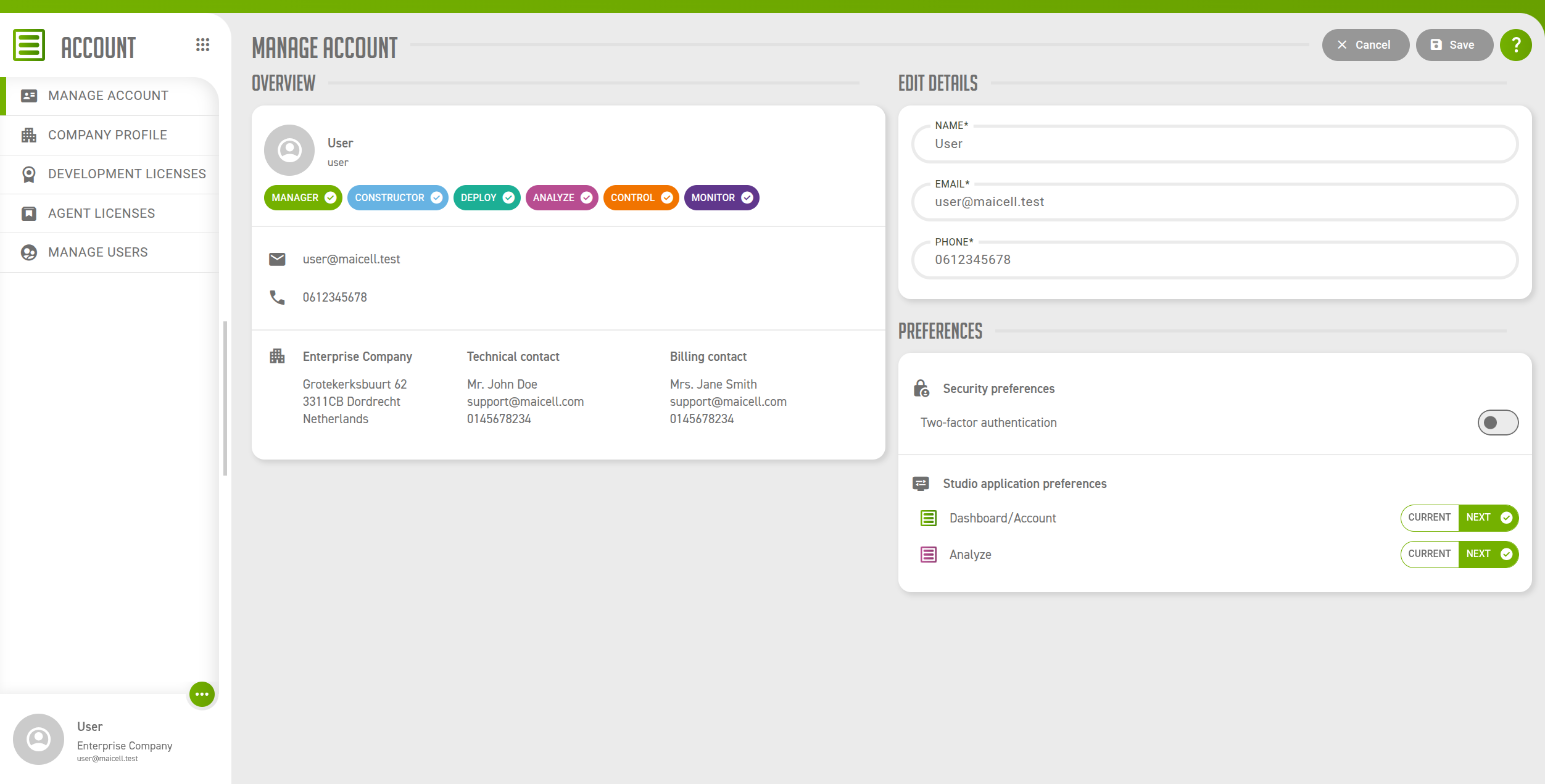
A Manager is a user who holds the Manager permission. You can tell whether you are one from your own Manage account screen, where the Overview shows a Manager chip if you are, and from the side menu, which then lists Company profile and Manage users.
2. What a Manager can do
| Task | Where |
|---|---|
Keep the name, the address and the contacts of your company up to date. |
|
See every license of your company, and not only the ones linked to you. |
|
Tag a license and change its address. |
|
Decide which users are linked to a license, and with that which Agents a user can reach. |
|
Decide which Studio applications a user has access to. |
|
Make another user a Manager. |
|
See which users have two-factor authentication on. |
Giving a colleague access to an Agent usually takes two of these steps and not one. The Analyze permission lets the user open Analyze, and the link to the Agent license puts the Agent in their list. One without the other leaves the user either without the application or with an empty list.
3. What a Manager cannot do in Account
Account does not yet cover everything the Dashboard does. For the following you still go to the Dashboard, see Administrative dashboard.
-
Adding a user, or removing one.
-
Adding, extending or deactivating a license.
Some things a Manager cannot do anywhere, because they belong to the user:
-
Switching two-factor authentication on or off for someone else.
-
Choosing for someone else whether they work with the current or the new version of a Studio application.