ConnectPlaza Control installation guide
1. Requirements
|
This product is sold as a separate license. This is a named user license. |
A named license is a license for the specified login. Hence, a login who has the ConnectPlaza® Control license can use ConnectPlaza® Control for all agents the login has access.
If you need ConnectPlaza® Control and you do not have a license, please contact your account manager.
2. Installation
For ConnectPlaza® Control to work you need to install the ConnectPlaza™ Control Interface (connectplaza-control-adapter). To install this interface you have to perform the following actions for each of the agents you want to run control on.
-
Open ConnectPlaza® Deploy for the specific environment
-
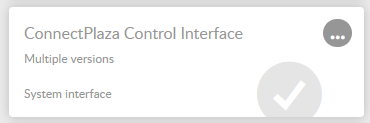
Look for the ConnectPlaza® Control Interface:
-
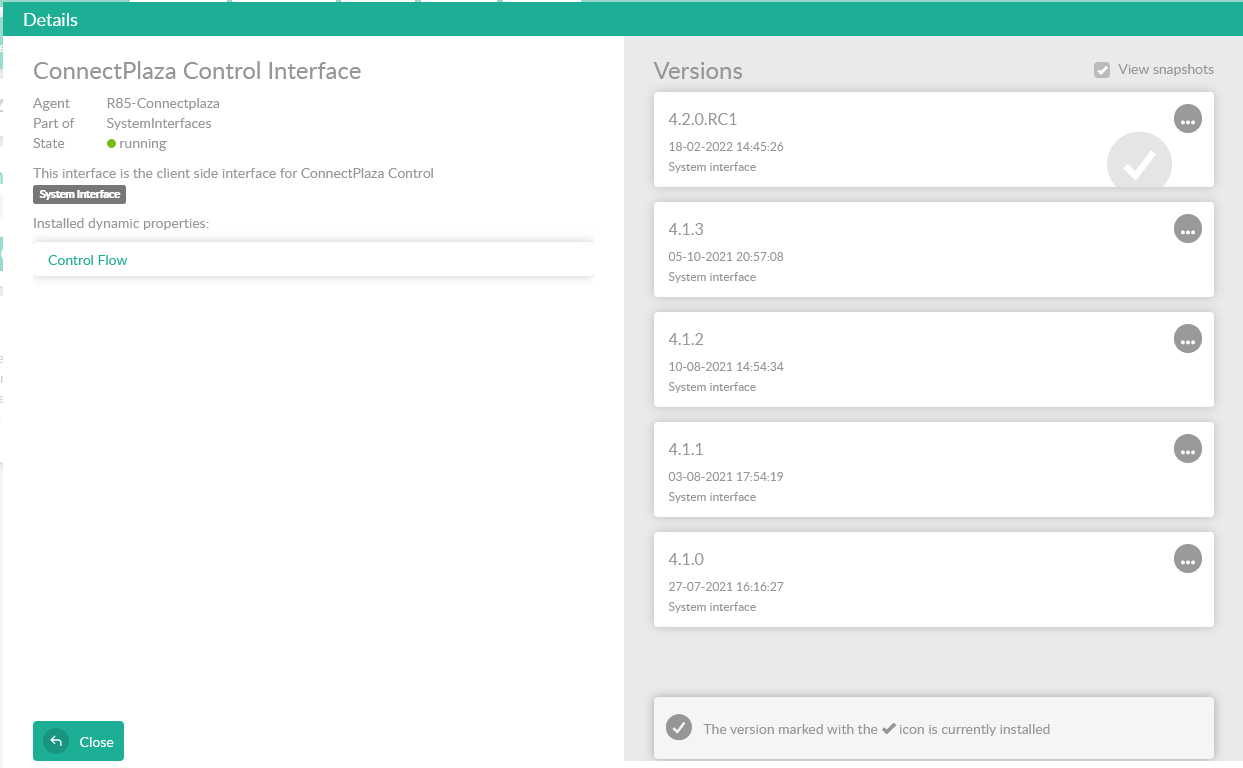
Double click on the interface to perform an install of this service.
-
Double click on the version you want to install, like in our example 4.2.0 There are no parameters for this interface. Just press Install to install the interface.
-
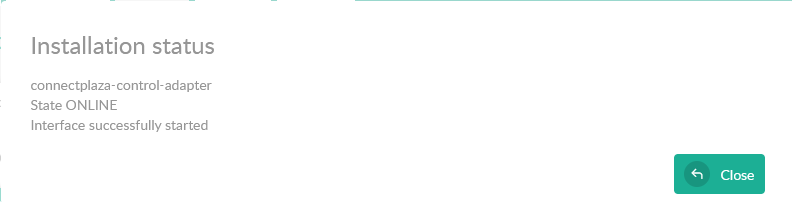
If the interface is installed as it should, you will see that the interface will come online.
-
Close the screen and you are done.